Product and app content
Bring product strings and release copy into a translation path your team can track and review.
Explore product workflowsIntegrations
Move product content, CMS pages, files, and automated workflows through one clear path from source text to approved output.
Start with your content source
Bring product strings and release copy into a translation path your team can track and review.
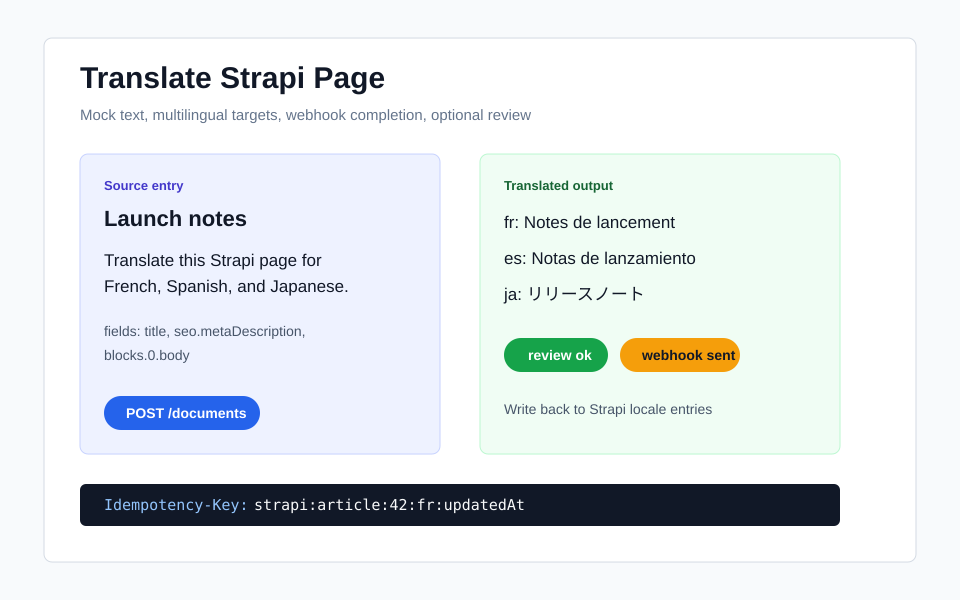
Explore product workflowsTranslate structured pages while keeping the editorial fields and publishing workflow your team already uses.
Explore CMS workflowsSend localization files and documents through one consistent path from intake to approved output.
Explore file workflowsIntegration gallery

Keep structured pages and editorial work connected while you add new locales.
Open StrapiTranslate posts and pages without turning publishing into a spreadsheet handoff.
Open WordPress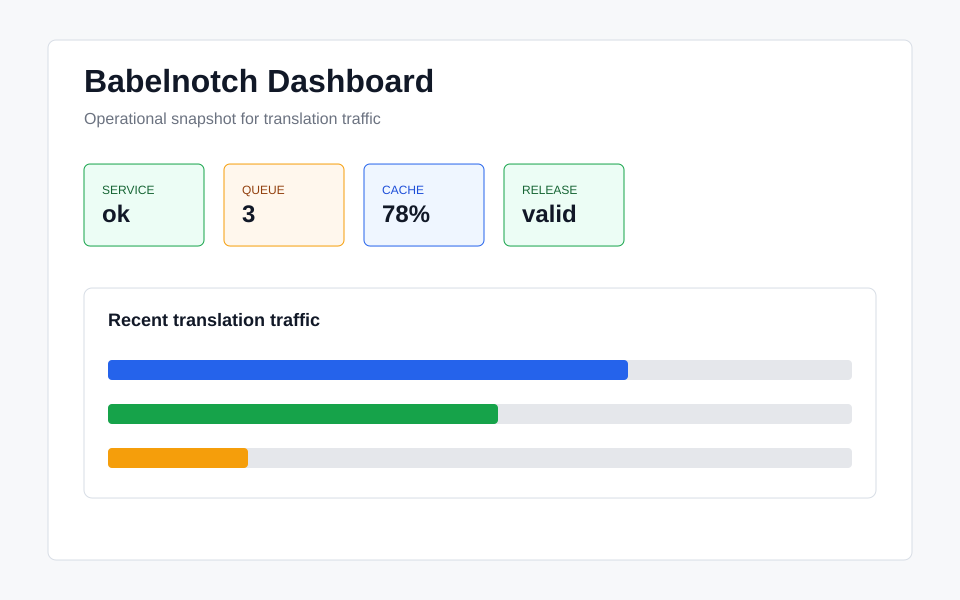
Keep product strings and release copy on a path your team can follow.
Open Product releases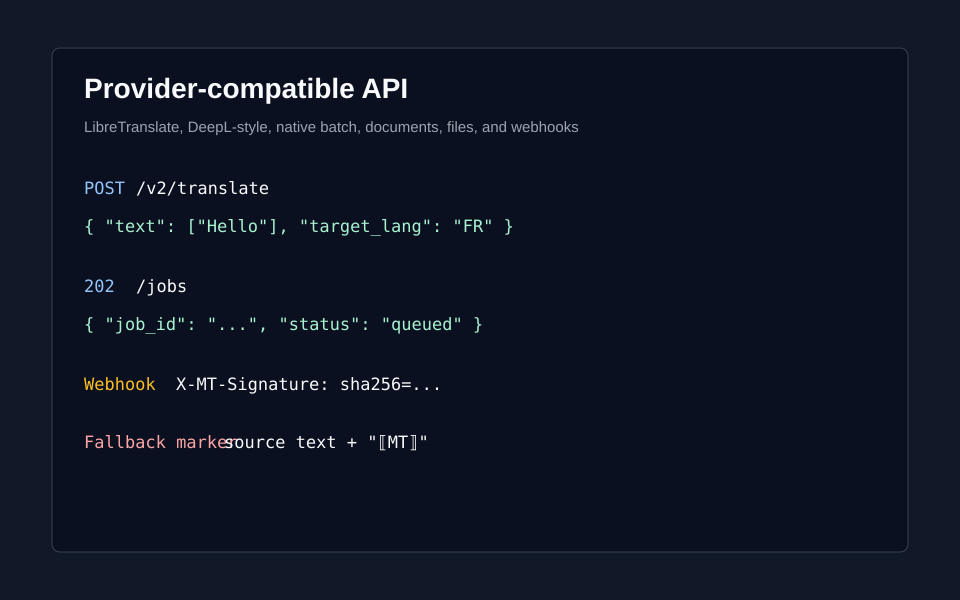
Let the systems around your content know when approved translation is ready.
Open Automated handoffs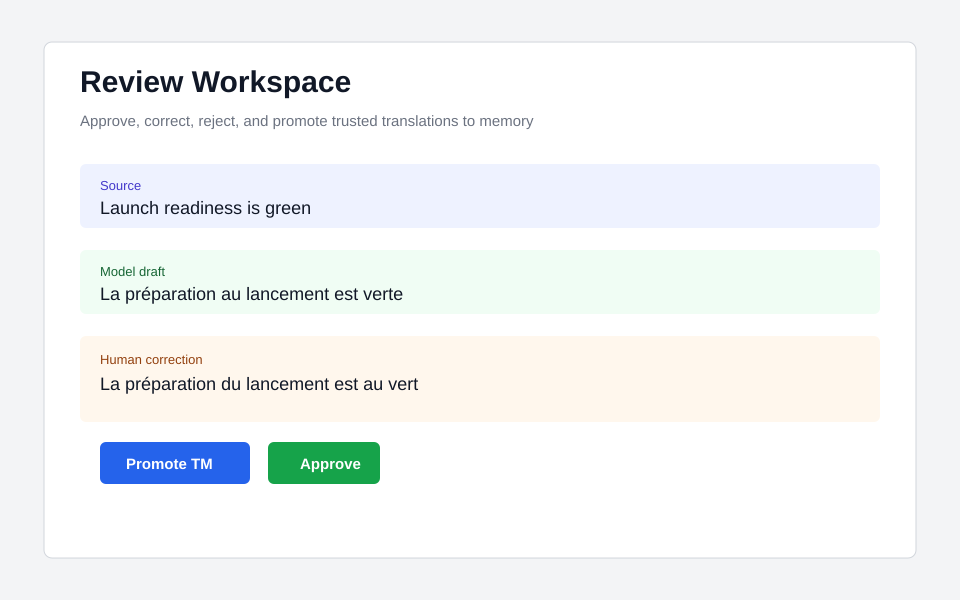
Bring common localization files into the same translation and review path.
Open Localization files
Move from transcript to approved captions, narration, or speech output.
Open Voice contentWhat to expect
Supported by Babelnotch
Translation requests, tracked jobs, optional human review, and approved output in one workflow.
Recommended pattern
Connect one real content source first, then agree on the review and delivery step your team needs.
Optional connection
CMS write-back, automated callbacks, source intake, and speech tooling are connections your team configures around the workflow.
A clear delivery path
Start with the content you already manage: product strings, CMS entries, files, documents, or automated requests.
Keep context with the work, compare options when needed, and give reviewers a clear place to approve changes.
Send reviewed translations back to the publishing, release, or downstream workflow that needs them.
Ready to connect
Live requests, API keys, file and URL intake, and webhook checks stay in the signed-in workspace where your team controls access.
Related workflows
FAQ
The public site explains patterns. Live tools, keys, webhook tests, and file or URL intake run after sign-in.
Products, CMS platforms, automation workers, file pipelines, review tools, and downstream speech systems can call the API.
Yes. Completion callbacks can include signatures and retry state for downstream verification.